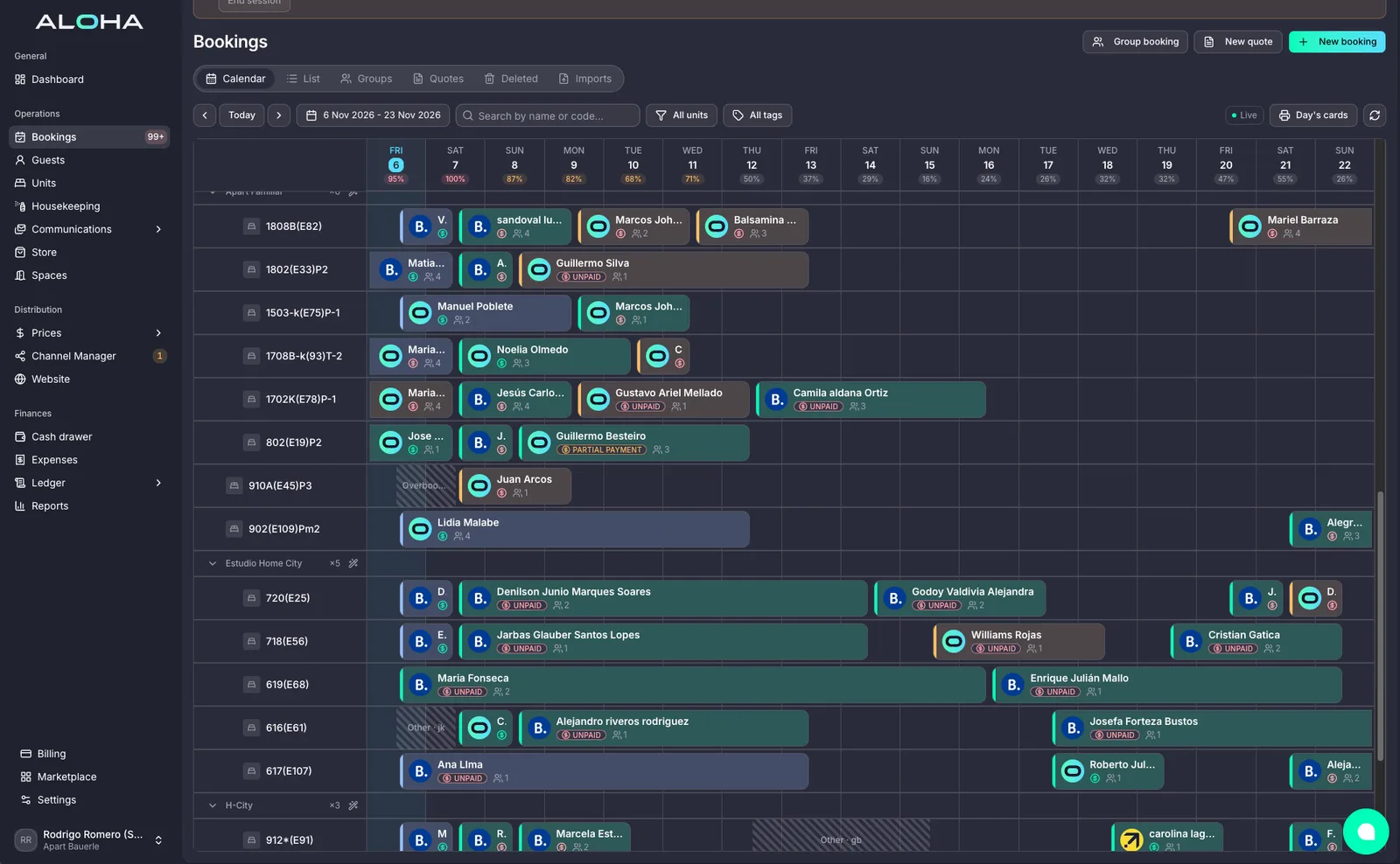
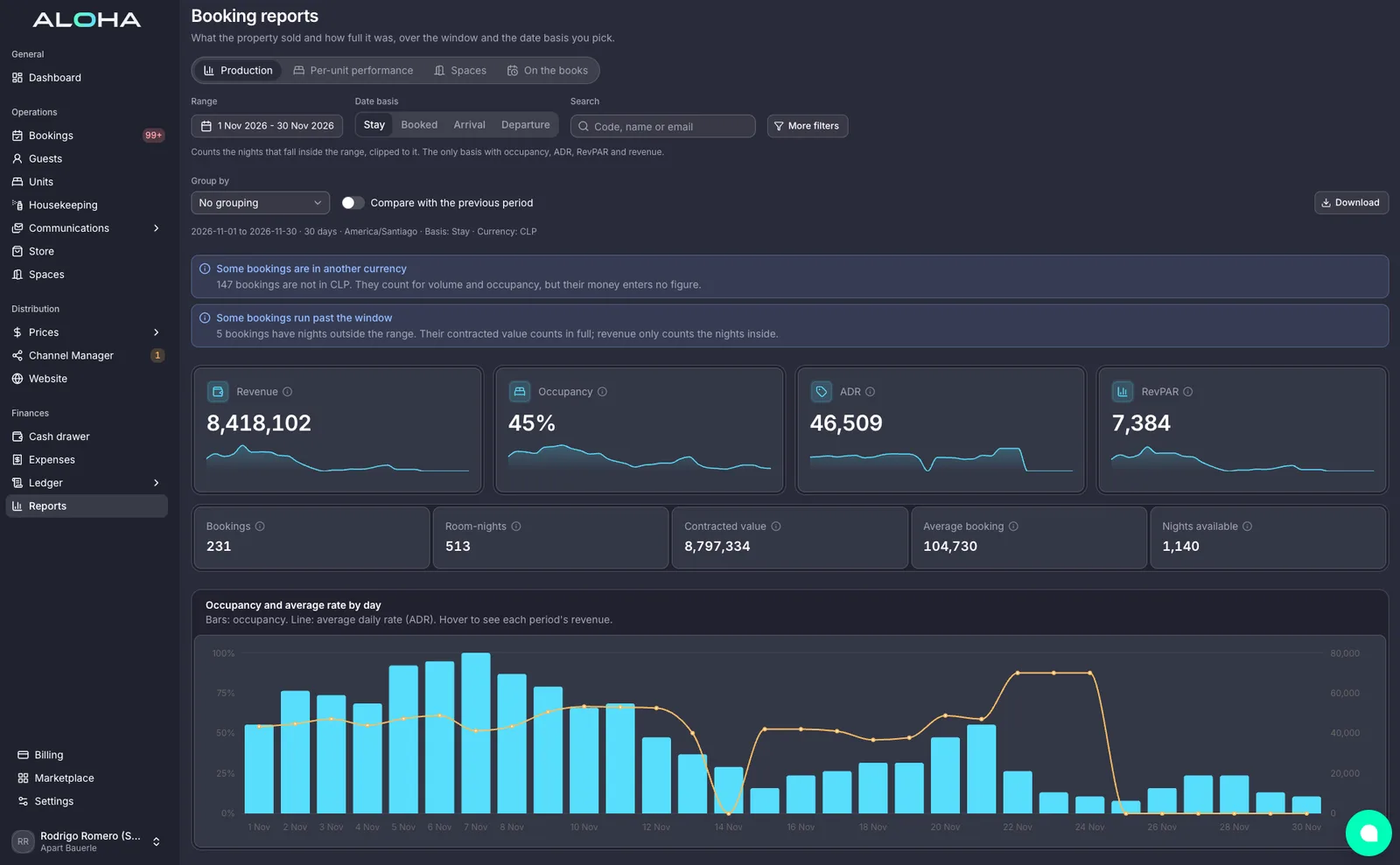
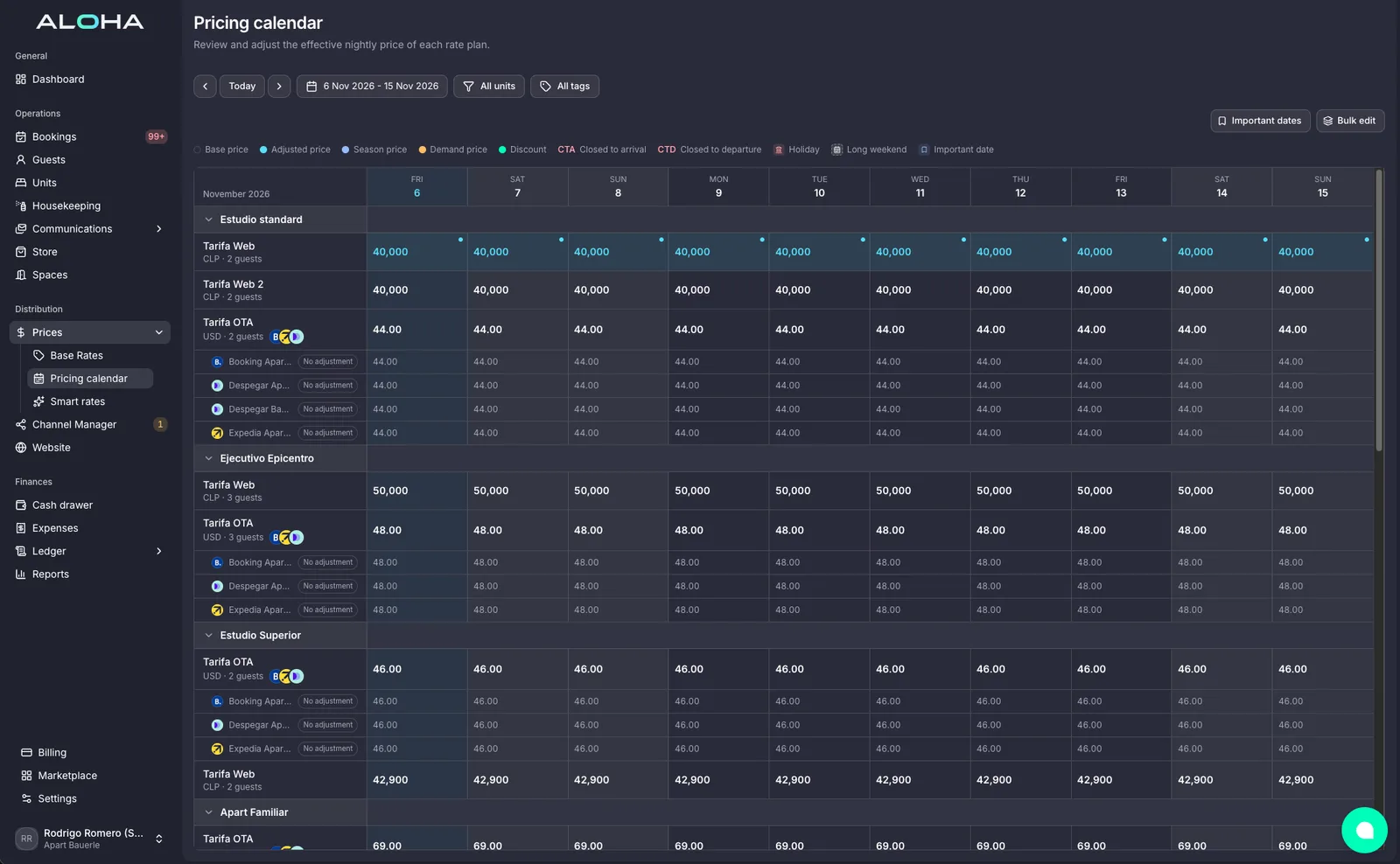
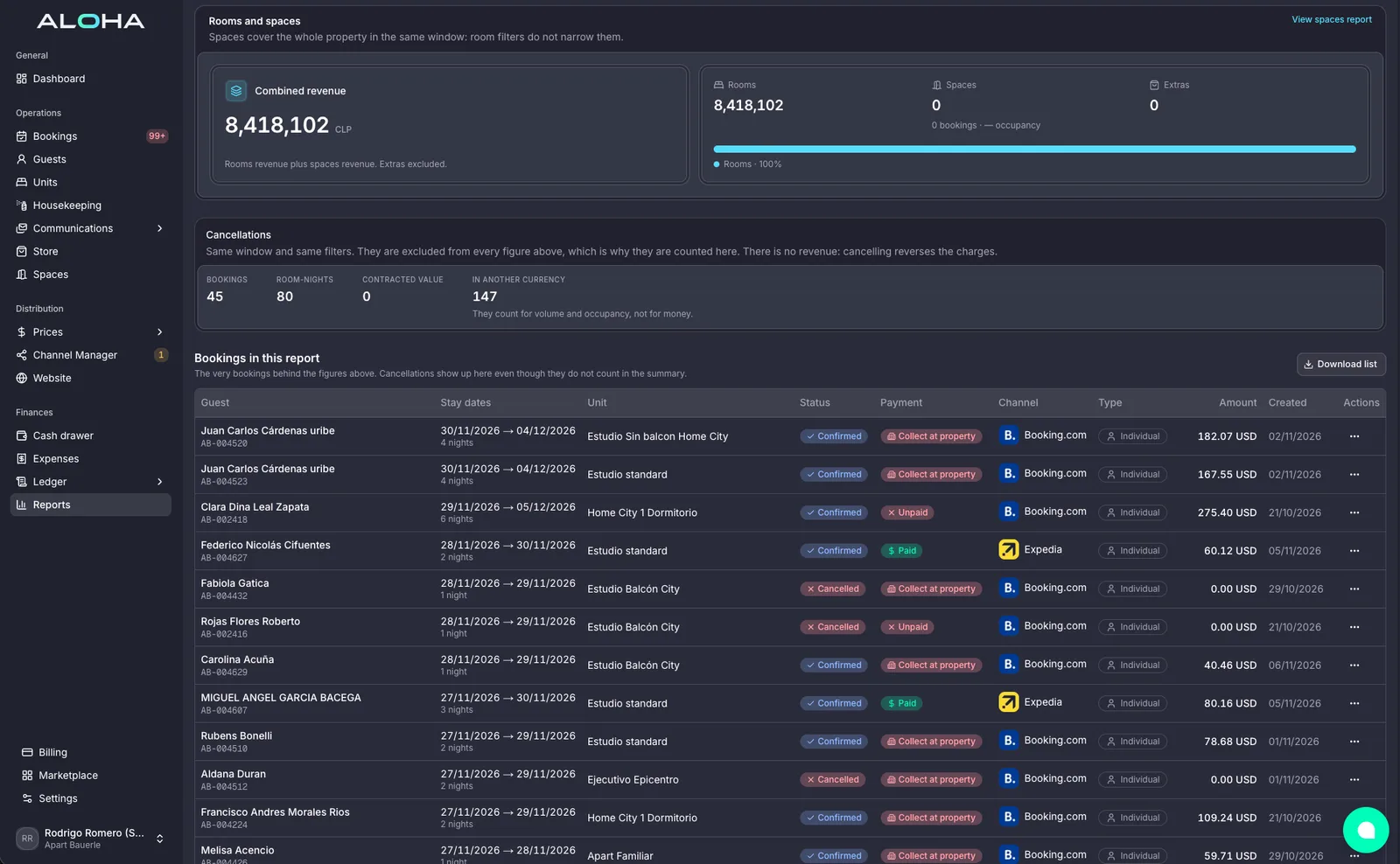
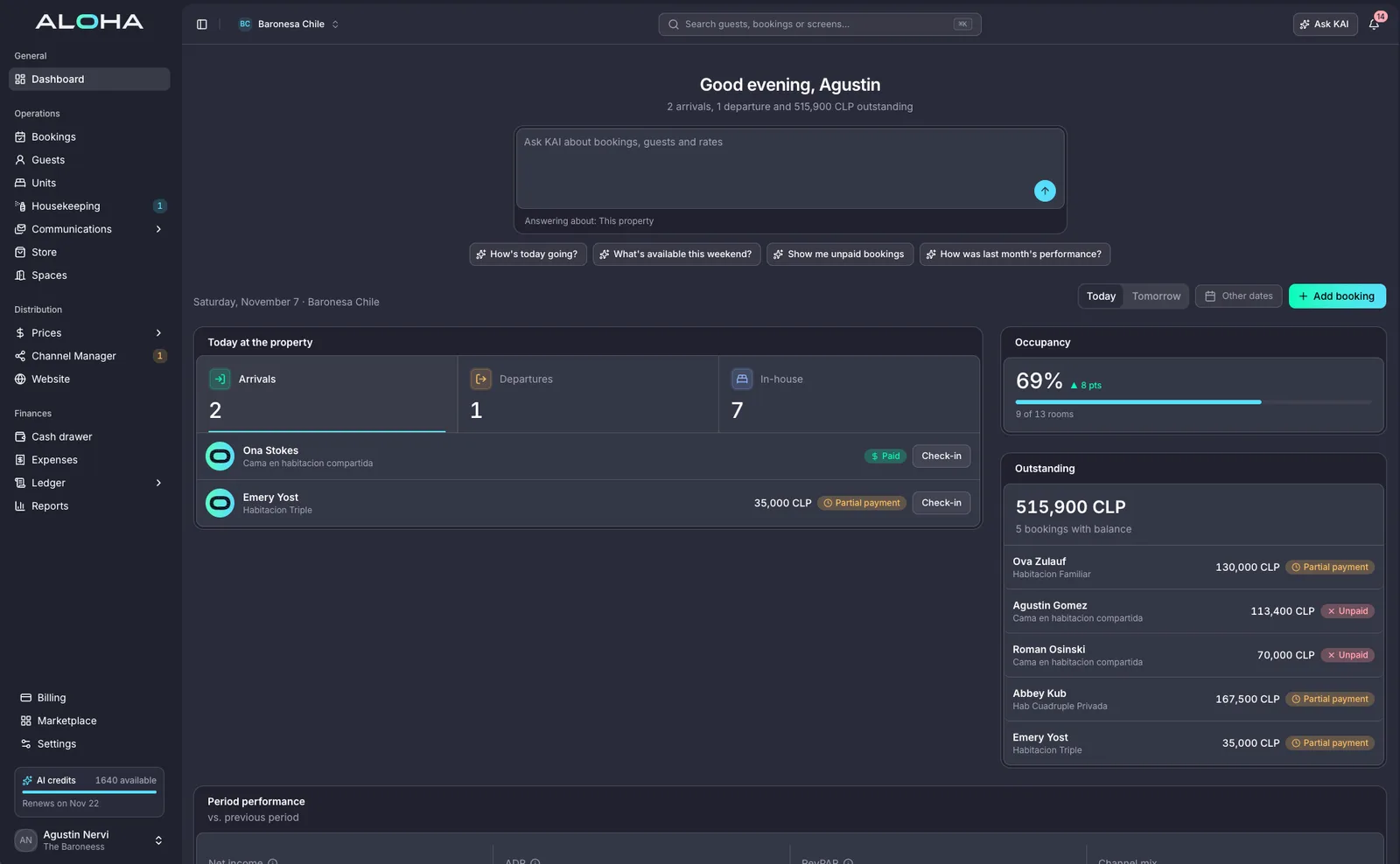
Ask Kai how your property is doing, or ask it to get something done. Your AI Agents answer guests, collect payments, adjust prices and send the cleaning, day and night, and check with you before anything important.
Ask
Ask Kai about your property the way you would ask your manager, and get the number, not a report to open.
Get it done
Ask Kai to change a price, message a guest or move a task, and it is done on every channel and every screen.
Stay in charge
You decide what happens on its own and what waits for your OK. Every action is written down, with the reason.
Kai works with you. Your AI Agents look after your guests.
They see the same reservations, payments and prices, so nothing is answered twice or done twice.
For you and your team
Kai, your assistant
Ask about occupancy, revenue, arrivals, payouts or which room is still dirty, and get the answer in one line. Ask Kai to do something, like open a weekend rate, and it gets done.
How full are we this weekend?
KaiSaturday is at 82%: 3 Double Deluxe and 1 Suite left. Friday is at 64%. Want me to open a weekend rate?
For your guests, day and night
AI Agents, each with one job
One answers guests on Booking.com, Expedia, Airbnb, WhatsApp and SMS. Others collect payments, adjust prices and send the cleaning. They follow your rules and write down everything they do.
Hi! Can we check in early tomorrow?
Of course! Your room will be ready from 11 am.
Cleaning for Room 203 moved up to 9:30
Ask Kai anything
Pick a question. These are the things your team asks Kai during the day.
YouHow did we do last night?
Kai
27 new bookings, 64 room-nights, 4,765.00 USD in revenue and 19.4% occupancy. 3 cancellations, shown apart.
4,765USD revenue
Dozens of AI Agents on your team. New ones every month.
Every routine job in Aloha has an AI Agent on it. Ask Kai for something and the right one gets it done, inside your rules. When a decision needs a person, you are asked first.
Guests
Guest replies
Replies on Booking.com, Expedia, Airbnb, WhatsApp and SMS in the guest’s language, any time of day.
Guests
Pre-arrival messages
Sends check-in details, directions and house rules before every arrival.
Guests
Online check-in
Asks each guest to check in from their phone with ID and a selfie before they arrive.
Guests
Door codes
Creates a door code for every reservation, sends it with the booking and removes it at check-out.
Guests
After-stay messages
Thanks every guest after check-out and invites them to book direct next time.
Guests
Handoff to your team
Passes the conversation to the right person on your team with everything said so far.
Revenue
Extras and upgrades
Offers early check-in, late checkout, transfers and extras from your guest store before arrival.
Revenue
Price suggestions
Watches occupancy, season and demand and proposes a rate change with the reason attached.
Asks you first
Revenue
Season prices
Applies your seasons, minimum stays and demand rules to the calendar every night.
Revenue
Spaces bookings
Sells meeting rooms, parking and event areas by the minute, hour or day, next to your rooms.
Channels
Prices on every channel
Sends every rate and availability change to 60+ channels and your site in seconds.
Channels
Sold rooms closed everywhere
Closes a room on every channel the moment it sells anywhere.
Channels
Bookings from every channel
Brings every channel booking into the calendar with its guest record and payment.
Channels
Bookings from AI apps
Answers ChatGPT and other AI apps with your live rates and books on your own site, commission free.
Channels
No double bookings
Checks every channel before a booking is confirmed, so a room is never sold twice.
Payments
Deposits charged on time
Charges deposits and balances to the card on file the day they are due.
Payments
Payment reminders
Reminds guests before each payment is due, in their language, with a link to pay.
Payments
Failed card recovery
Retries a failed charge and sends the guest a new link when it still does not go through.
Payments
Payouts matched
Matches every payout to the reservations it pays for.
Payments
Invoices on every booking
Creates the invoice on the reservation the moment the guest pays.
Payments
Refunds you approve
Prepares refunds and cancellations from your policy and waits for your OK.
Asks you first
Operations
Cleaning tasks
Turns every check-out into a cleaning task with the room and the deadline.
Operations
Housekeeping assignments
Assigns each task to the right person by room type and who is free.
Operations
Room-ready alerts
Warns you before an arrival when its room is still not clean.
Operations
Group room assignments
Places each guest of a group block in a held room from the rooming list.
Numbers
Morning briefing
Sends occupancy, revenue, arrivals and open tasks before the day starts.
Numbers
Balances followed up
Lists every booking with money still due and follows up until it is paid.
Numbers
Month-end reports
Prepares the month’s reports and exports for your accountant and owners.
What happens when something comes up
Every AI Agent works the same way, so you always know what happened and why.
01
Something happens
A guest writes, a card fails, the hotel fills up, a guest checks out.
02
The right AI Agent picks it up
It looks at the reservation, your rules and what happened before, and works out what to do next.
03
It gets done
The reply goes out, the task is assigned, the price changes or the card is charged again.
04
You see it
It is written down with the reason, and anything unusual goes to a person on your team.
Your rules, always
AI in a hotel only works if your team stays in charge. Three things make sure of it.
01
Limits you set
Decide what each AI Agent may do on its own, what needs your OK and what it never does, property by property.
02
Everything written down
Every message sent and every action taken is in the log, marked as done by the AI, with the reason.
03
A person when it matters
When an AI Agent is not sure, it passes the case to your team with everything so far instead of guessing.